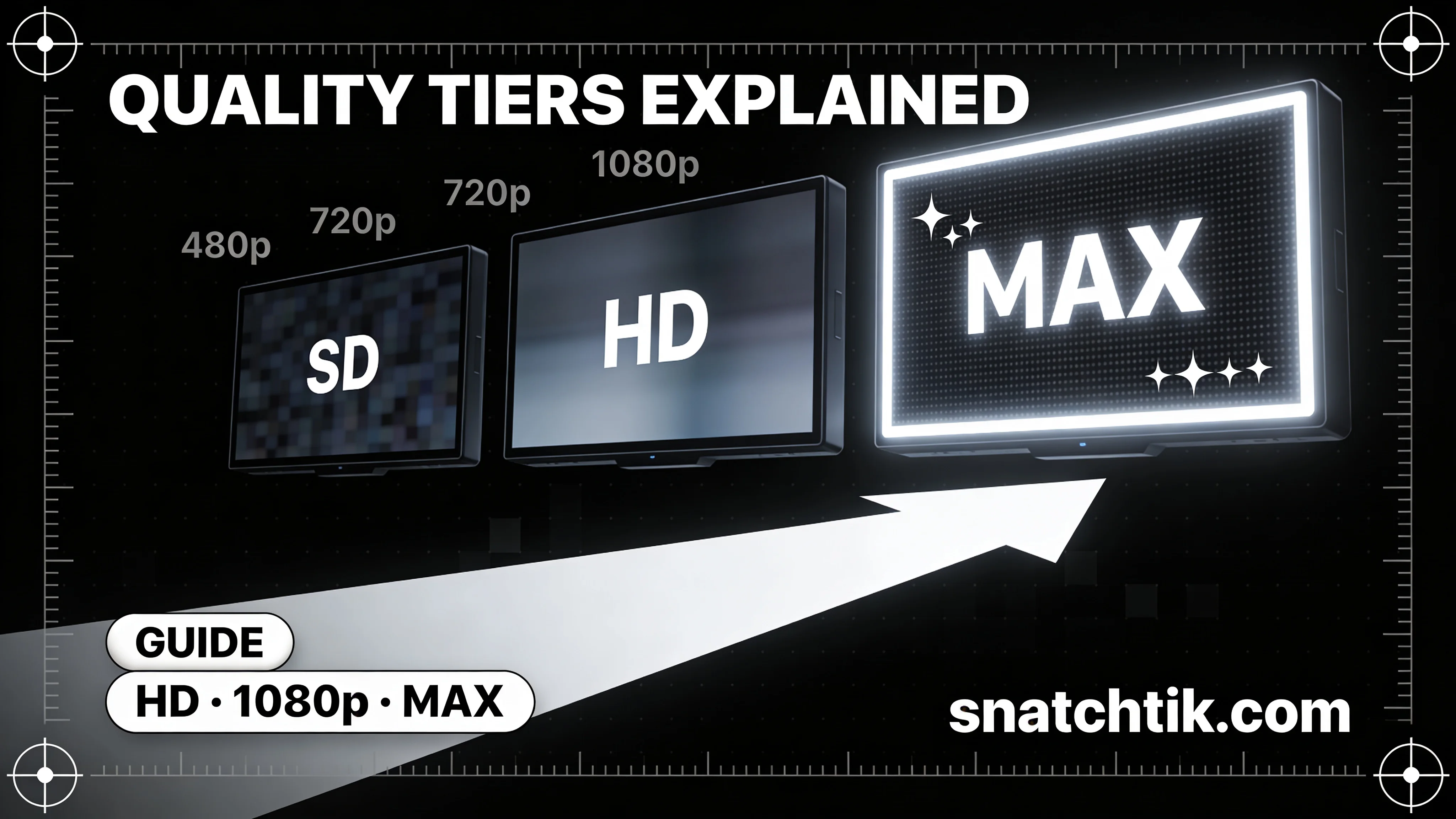
TikTok Video Quality Guide: HD, 1080p & Max Explained
When you download a TikTok video using SnatchTik, you're presented with multiple quality options. Choosing the right one matters — the difference between HD and standard quality can be significant when you're viewing a video on a large screen or using it for reference. This guide breaks down every quality tier, explains how TikTok handles video compression, and helps you choose the right format for your specific needs.
How TikTok Compresses Video
Every video uploaded to TikTok goes through a multi-step processing pipeline. TikTok re-encodes uploaded footage to optimize for streaming efficiency across different network conditions and device types. The platform stores multiple versions of each video at different quality levels — a process known as adaptive bitrate streaming. This means when you watch a TikTok video in the app, what you see is often not the original upload quality; it's a streamed version optimized for your current connection speed.
Because of this pipeline, the quality of a downloadable file depends on what TikTok stores in its CDN — not what was originally uploaded. In practice, TikTok's highest-quality stored version is close to the original, but some re-encoding is always involved.
Quality Tiers Available on SnatchTik
| Option | Resolution | Typical File Size | Best For |
|---|---|---|---|
| HD (Watermark-Free) Recommended | Up to 1080p | 20–80 MB | Archiving, large screens, best visual quality |
| Standard 720p | 720p | 8–30 MB | Sharing, smaller storage, mobile viewing |
| Audio MP3 | Audio only | 1–5 MB | Ringtones, reference audio, music saves |
HD Quality: When to Use It
The HD option fetches the highest-resolution version stored on TikTok's content delivery network for that specific video — typically up to 1080p, though this depends on the original upload. This is the option to use when:
- You want the sharpest, cleanest copy possible for offline viewing.
- You're watching the video on a large screen where quality differences are visible.
- You're archiving content you've created and want to preserve it at maximum fidelity.
- You'll be viewing the video zoomed in or frame-by-frame.
HD files are larger, but storage is cheap and the visual difference is meaningful. Unless file size is a genuine constraint, HD is the right choice for most users.
Standard 720p: When to Use It
The standard quality option downloads a 720p version of the video — smaller in file size but still perfectly clear for most viewing purposes. This is the right choice when:
- You're sharing the video via messaging apps that have file size limits.
- You have limited storage on your device and need to save multiple videos.
- You'll be watching on a small mobile screen where 1080p and 720p are indistinguishable.
- You need a quick download on a slower connection.
Audio MP3: When to Use It
The MP3 option extracts only the audio track from the video — perfect when the visuals are irrelevant to your purpose. Use this when you want to save a trending sound, a voiceover, a spoken-word clip, or background music for personal reference. MP3 files are tiny in comparison to video files, making them easy to store and share.
What Determines Maximum Available Quality?
Three factors determine the peak quality of a downloadable TikTok video:
- The original upload quality. If a creator filmed and uploaded in 720p, there's no 1080p version to fetch — SnatchTik can only access what TikTok stores.
- TikTok's processing pipeline. Even if uploaded in 4K, TikTok caps and re-encodes video based on its own quality policies.
- Account type. TikTok has historically offered higher-quality uploads to certain creator account types. Some videos from these accounts may have noticeably better stored quality.
SnatchTik always fetches the best version available — if HD quality exists for a video, that's what you get. If the best available version is 720p, the HD option will deliver that.
Ready to download TikTok videos in the highest available quality? Try SnatchTik now — free, no account needed.
Download TikTok HD — Free
